HashiCorp Certified Vault Associate (Video Course)
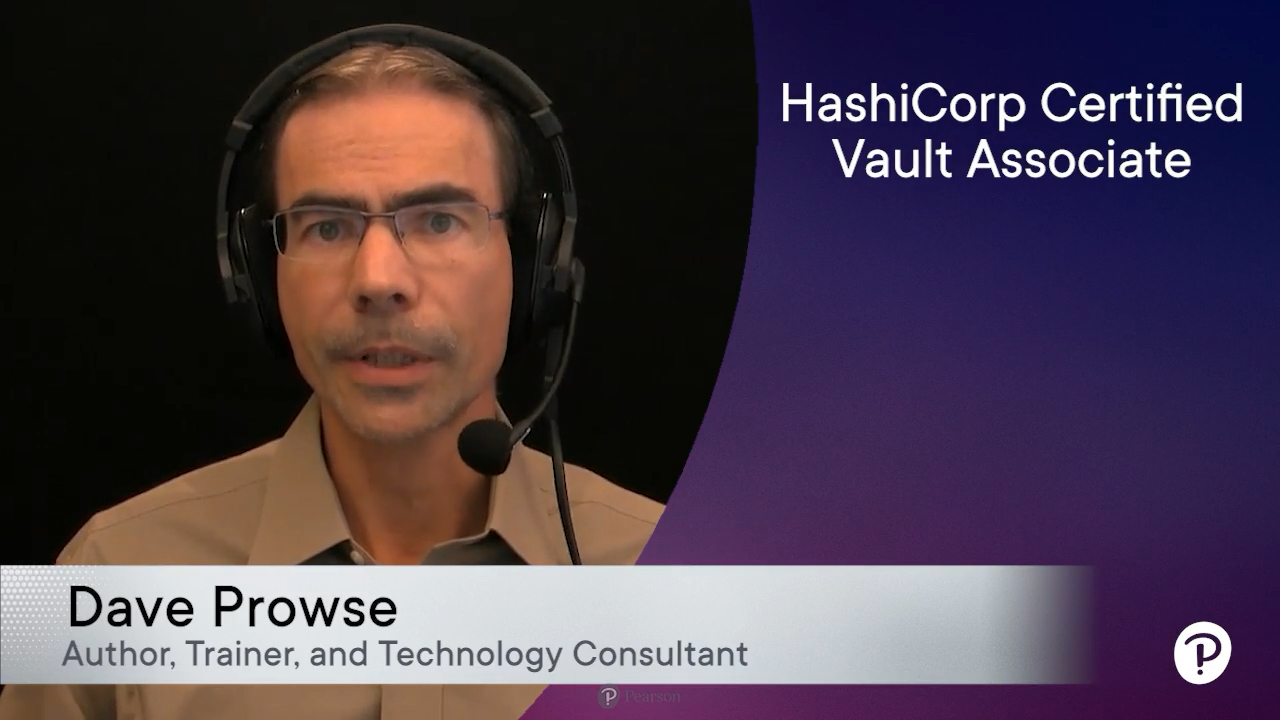
- By Dave Prowse
- Published Jan 30, 2024 by Pearson IT Certification.
Online Video
- Your Price: $239.99
- List Price: $299.99
- About this video
Video accessible from your Account page after purchase.
Register your product to gain access to bonus material or receive a coupon.
Description
- Copyright 2024
- Edition: 1st
- Online Video
- ISBN-10: 0-13-831294-X
- ISBN-13: 978-0-13-831294-7
6+ Hours of Video Instruction
Are you gearing up for the HashiCorp Certified Vault Associate exam? Look no further! Our comprehensive training program is designed to equip you with the essential skills needed to pass the certification and learn how to use Vault effectively in the field.
The HashiCorp Certified Vault Associate video course provides:
- Effective Exam Preparation with all objectives in the exam covered in detail.
- Skills: Acquire the skills needed to use HashiCorp Vault in the terminal and web browser.
- Hands-On Labs: Participate in labs that empower you to gain experience using Vault within the CLI, UI, and API.
- Practice Quiz Questions: Access practice quiz questions for guided question breakdowns. See first-hand how to successfully navigate the exam, boosting your confidence and exam readiness.
Related Learning:
- HashiCorp Certified Terraform Associate (003) by Dave Prowse: https://learning.oreilly.com/course/hashicorp-certified-terraform/9780138195366/
Skill Level:
- Intermediate
Prerequisites:
- Understanding of core security concepts such as: encryption, authentication, tokens, and secrets
- Knowledge of cloud-based technologies
- Experience with Linux, Bash, Git and an IDE (such as VSCode)
Course Set-up:
- A computer system to work on and run Vault. As a best practice, it is recommended that attendees use a Linux virtual machine (Ubuntu, Debian, Fedora, etc...) for the labs, preferably with at least 2 CPUs and 4 GB RAM. The instructor will be demonstrating on a Debian virtual machine.
- To follow along with the labs, the system should have the following:
- The Vault CLI installed: https://developer.hashicorp.com/vault/docs/install
- VSCode installed: https://code.visualstudio.com/download
- Download this git repository: https://github.com/daveprowse/vac-course
- An AWS account with a separate IAM user (for testing purposes): https://aws.amazon.com/account/
- Note: Attendees might incur a small charge from Amazon when running the AWS-based labs. Attendees can opt-out of running these labs and instead watch the instructor demos.
- Two monitors/systems recommended: One for the virtual machine, and one to watch the instructor demos.
Sample Content
Table of Contents
Lesson 1: HashiCorp Vault and Exam Introduction
Lesson 2: System Setup
Lesson 3: Vault Basics and Introduction
Lesson 4: Working with Vault
Lesson 5: Authentication Methods
Lesson 6: Vault Policies
Lesson 7: Vault Tokens
Lesson 8: Vault Leases
Lesson 9: Secrets Engines
Lesson 10: Vault UI and API
Lesson 11: Vault Architecture
Lesson 12: Encryption as a Service (EaaS)
Lesson 13: Review and Bonus Questions
More Information